
What Is IPS Glow (and How to Reduce It)?
By BestScreenTester · Published · Updated
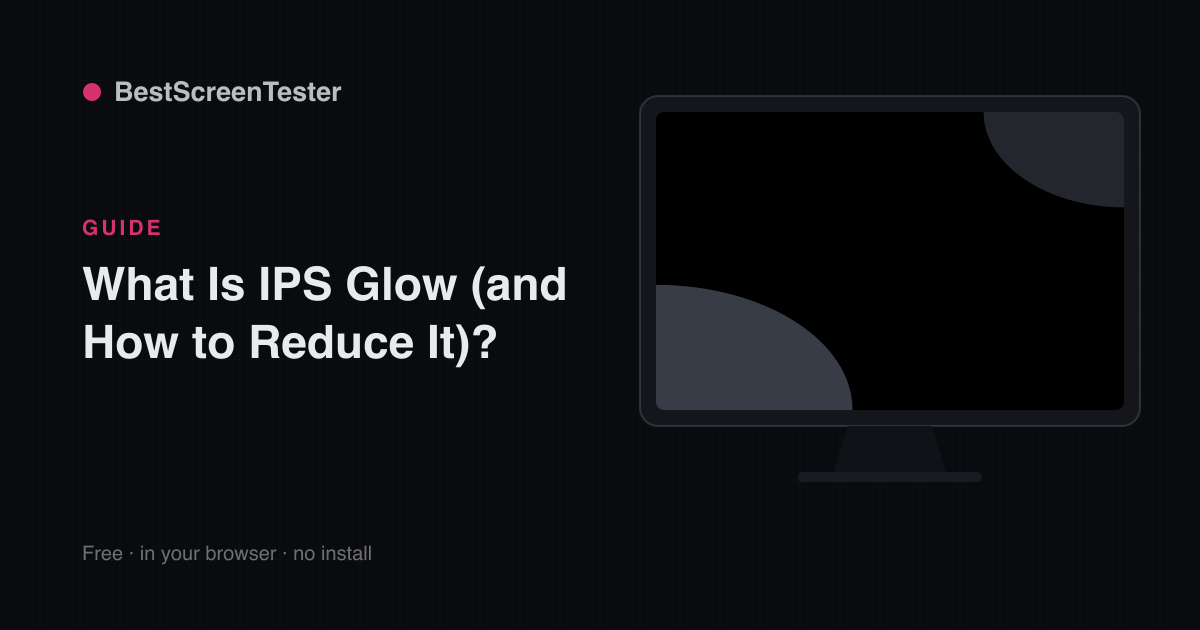
IPS glow is a characteristic glow — often silvery, blue, or amber — in the corners of IPS panels when showing dark content.
How to identify it
On a Black Screen in a dark room, move your head around. If the glow changes or fades as your viewing angle changes, it's IPS glow. If it stays put head-on, it's backlight bleed instead.
Do the test properly or you'll misread it:
- Turn the room lights off and give your eyes a few minutes to adjust — glow looks dramatically worse in the first thirty seconds than it does once your eyes settle.
- Set brightness where you actually use it, not at 100%.
- Sit at your normal distance, then lean left, right, up and down.
- Judge with your eyes, not a phone camera. Long exposures amplify dim light enormously, and a photo that looks alarming often corresponds to something you can't see in person.
Glow moves. It brightens in the corner you lean away from and shrinks toward the corner you lean into. Bleed doesn't move at all. If you see both — most IPS monitors show both — assess them separately: backlight bleed vs IPS glow puts them side by side.
Why it happens
It's inherent to how IPS liquid crystals pass light at an angle. Every IPS panel has some — it's not a defect.
The panel blocks the backlight to make black, and that blocking works best when you look at the pixel straight on. The corners of a screen are, by geometry, the parts you view at the steepest angle — so they leak the most. Sit closer and the corner angles get steeper still, which is why the same monitor looks worse on a shallow desk. A larger screen at the same distance also shows more glow than a smaller one for exactly this reason.
The amount varies between individual units of the same model, so two identical monitors bought together can look different. That's manufacturing variation, not a fault in one of them.
How to reduce it
- Sit centered and back — glow is worst when you're close and off-axis.
- Lower brightness for dark-room use.
- Add bias lighting behind the monitor; raising ambient light hides the glow.
- Raise the monitor so your eyes are near screen center.
- Tilt the top of the screen slightly toward you, so the vertical angle across the panel is more even.
- Choose a curved screen if you sit close — curvature reduces the angle at which you view the edges.
- Clean the panel. A hazy coating scatters glow and makes it look worse. Follow how to clean your monitor safely — never spray liquid onto the screen.
What won't help: raising contrast, changing color temperature, or installing a different driver. Glow is an optical property of the panel, so nothing in software touches it.
Things people mistake for IPS glow
- Backlight bleed — fixed bright patches or streaks at the edges, unchanged by head movement. Confirm with the Backlight Bleed Test.
- Clouding — uneven mottled patches across the middle of the screen, often from panel pressure or overtightened assembly. Check with the Brightness Uniformity Test.
- Blooming — a halo around bright objects on a dark background, which appears on backlights with local dimming, such as Mini-LED. It follows the bright object around the screen rather than sitting in the corner. Use the Blooming Test to confirm, and see Mini-LED vs OLED.
- A dark patch instead of a bright one — that's a different problem entirely; see why does my screen have a dark spot.
Is it covered by warranty?
Usually not. Because glow is inherent to the technology, manufacturers treat it as normal panel behavior rather than a defect, while severe bleed is sometimes accepted. Your realistic option is the retailer's return window: if the glow bothers you in the first two weeks, return or exchange while you still can, rather than waiting and filing a claim later.
If glow bothers you
Consider VA (higher contrast, no IPS glow but slower) or OLED (perfect blacks, no glow) for dark-room movie and gaming setups. VA has its own quirk — a dark halo or gamma shift when viewed off-center — and OLED trades glow for a burn-in risk worth understanding first: OLED burn-in. The full comparison is in IPS vs VA vs TN vs OLED.
Before you replace anything, though, spend a week with bias lighting behind the screen and brightness set for the room. That fixes the complaint for most people.